Phishing Email Analysis Practice: Walk Through a Real Investigation
Want to actually practice phishing email analysis instead of just reading about SPF and DKIM? Here's a real walkthrough, plus where to get more reps.
EpicDetect Team
5 min read
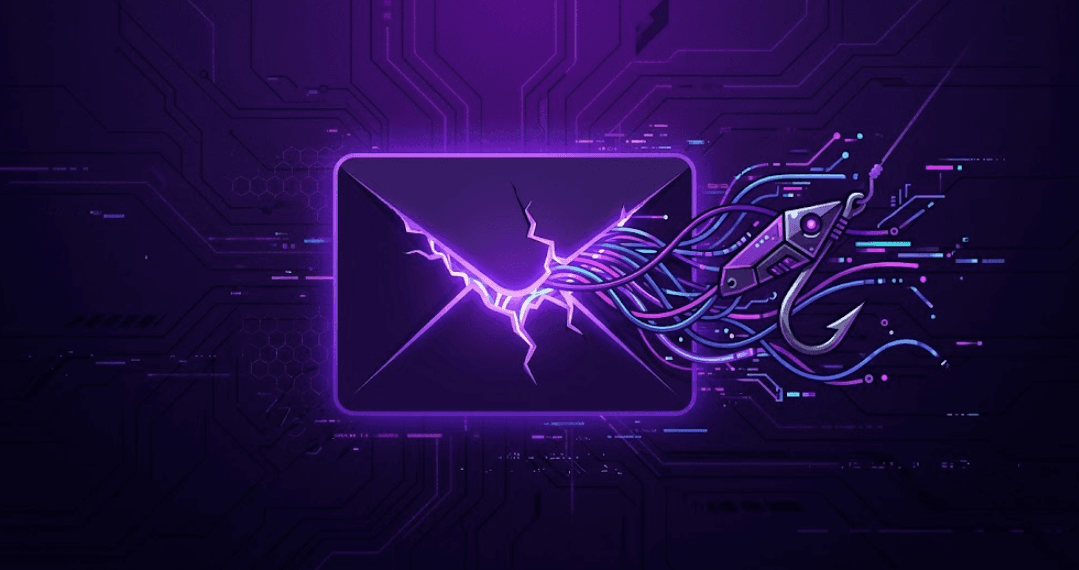
Phishing Email Analysis Practice: Walk Through a Real Investigation
Every SOC analyst job wants "phishing analysis experience." Most training gives you a glossary of SPF, DKIM, and DMARC and calls it a day.
Knowing what DKIM stands for isn't the skill. Looking at a real header and knowing what to check first — that's the skill. Let's actually practice it.
The Report That Starts Every Shift
A user forwards an email: "Is this legit?" That's it. That's the whole ticket.
Here's roughly what you're looking at:
From: IT-Support@epicdetect-helpdesk.com
Reply-To: admin@secure-verify-portal.net
Subject: Action Required: Password Expiring in 24 Hours
Authentication-Results: spf=softfail smtp.mailfrom=epicdetect-helpdesk.com;
                          dkim=none;
                          dmarc=fail
Where do you actually look first?
Step 1: The Authentication Results Line — Before You Read a Single Word of the Body
This one line tells you more than the entire email body.
- SPF (softfail) — the sending server isn't authorized to send as this domain. Not a hard fail, but a real flag.
- DKIM (none) — no cryptographic signature at all. Legit corporate mail almost always signs.
- DMARC (fail) — the domain owner's own policy says this message shouldn't be trusted.
Three for three on suspicious. You haven't even opened the email yet and you already have a strong lean.
Step 2: From vs. Reply-To — The Classic Tell
The From address looks like a real IT helpdesk. The Reply-To goes somewhere completely different (secure-verify-portal.net).
That mismatch alone is one of the most reliable phishing indicators there is. Legitimate senders rarely need your reply routed to a different domain than the one they sent from.
Step 3: Read the URL, Don't Trust the Link Text
The displayed text might say Reset Your Password Here. The actual href is what matters.
Watch for:
- Lookalike domains (epicdetect-helpdesk.com vs. the real epicdetect.io)
- Extra subdomains designed to bury the real domain (epicdetect.io.secure-login.net)
- URL shorteners hiding the destination entirely
💡 Pro tip: Hover, don't click. In a real investigation you'd defang and check it in a sandboxed tool, never in a live browser.
Step 4: Urgency Language Is a Feature, Not a Bug
"24 hours." "Immediate action required." "Your account will be locked."
Attackers use urgency on purpose — it's designed to short-circuit the exact careful-checking process you're doing right now. The more urgent the tone, the more suspicious you should be, not less.
Step 5: What You'd Actually Do Next
In a real investigation this is where it gets interesting — not "is this phishing," but "how far did it get."
- Check if anyone actually clicked (mail gateway logs, EDR)
- Pull the sending IP and check it against threat intel
- Search for other recipients of the same campaign
- Extract IOCs (sender domain, URL, IP) for blocking
This is exactly the kind of multi-step follow-through that a single "spot the phish" quiz never tests — and it's where understanding IOCs vs. TTPs actually starts to matter.
Why This Is Harder to Practice Than It Sounds
Most free phishing quizzes give you one email and ask "phishing or not?" Binary, low-stakes, forgettable.
The real job is messier: a report comes in, you investigate, and it either dead-ends or escalates into something bigger — and you don't know which going in.
That's the exact gap Adventures on EpicDetect is built to close. Adventures are full investigations, not single-email quizzes — Season 0's second episode starts with exactly this kind of phishing report, and by the end of the season it's turned into a full incident with lateral movement and containment. Free to play, no setup required.
TL;DR – Read the Headers Before the Body
Phishing analysis starts with authentication results and sender mismatches, not gut feeling about the writing style. Practice on real-shaped scenarios, not single-email quizzes, if you want the skill to actually stick.
---
FAQs
What's the single most reliable phishing indicator?
No single one is bulletproof, but a DMARC fail combined with a From/Reply-To mismatch is about as strong a combined signal as you'll get.
Do I need to memorize SPF/DKIM/DMARC syntax?
No — you need to recognize pass/fail/none at a glance and know what each means directionally. The exact RFC syntax rarely comes up day to day.
How is this different from phishing awareness training?
Awareness training teaches end users to not click. This is analyst-side triage — investigating a report after it's already been flagged, which is a different (and more technical) skill.
---
Final thought: The header tells you 80% of the story before you've read a single sentence of the body. Learn to read it first.
How EpicDetect Can Help
Reading about this stuff only gets you so far. If you want to actually practice it — not multiple choice, not flashcards, an actual case — Adventures drops you into a story-driven SOC investigation where you make the calls a real analyst makes. Season 0 is completely free, no credit card required.
Want the fuller skill tree too? Head to the EpicDetect Atlas for structured lessons on top of the Adventures scenarios.
New here? Sign up and start for free.
Tags
Related Articles
TryHackMe SOC Level 1: What It Covers (And What to Do Next)
Finished TryHackMe SOC Level 1? Here's what the path actually covers, where it leaves gaps, and the best next steps for blue team training in 2026.
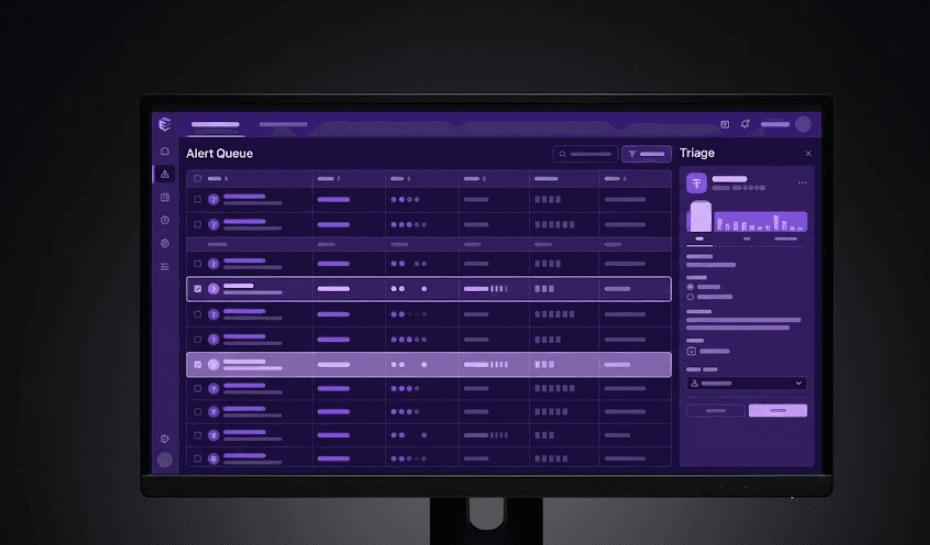
Is There a Real SOC Analyst Simulator? Here's What Actually Exists in 2026
Searching for a SOC analyst simulator? Here's what actually simulates the job in 2026 versus what's just a quiz with extra steps.
What Are EpicDetect Adventures? (And Why They're Different From Every Other SOC Course)
Adventures are story-driven SOC training episodes where you actually work cases — not quizzes, not lectures. Here's how they work and why they prepare you for day one.
Blue Team Labs Online: Free and Paid Platforms Compared (2026)
Honest 2026 comparison of blue team labs — LetsDefend, TryHackMe, HTB Sherlocks, BTLO, CyberDefenders, Adventures, and home labs.