Windows Event IDs Cheat Sheet: 4624, 4688, 7045 & More
4624 is a logon, 4625 a failed logon, 4688 a new process, 7045 a new service, 1102 a cleared log. 30+ Windows Event IDs grouped by attack, with MITRE mappings.
EpicDetect Team
15 min read
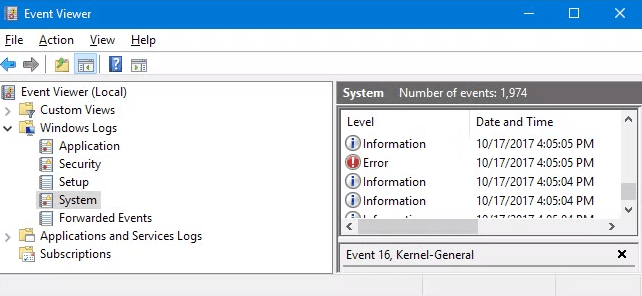
Windows Event Log IDs Every SOC Analyst Should Know
You open your SIEM and there are 50,000 events from the last hour. Half of them are Event ID 4624. A bunch of 4688s. Some 7036s. And you're sitting there thinking—which of these actually matter?
Here's the thing—there are hundreds of Windows Event IDs, but you really only need to know about 30-40 of them to catch most attacks. The rest is noise.
This is your cheat sheet. Bookmark it.
(And when you're ready to chase these IDs through an actual incident instead of a reference list, Adventures is a free story-driven investigation where exactly these logon and process events are the evidence.)
Why Do Windows Event Logs Matter for SOC Work?
Windows Event Logs are the foundation of endpoint detection. Every logon, every process, every service installation, every privilege change—Windows logs it (if you've got the right audit policies turned on).
For SOC analysts, these logs are how you answer the big questions:
- Who logged in? And from where?
- What ran on this machine? And who ran it?
- Did someone create a new account? Or add themselves to the admin group?
- Did an attacker try to cover their tracks? (Spoiler: Event ID 1102 will tell you.)
Let's break them down by category.
The Authentication IDs (Who's Logging In?)
These are the events you'll see the most. They tell you who's authenticating, how, and whether they succeeded.
- 4624 — Successful logon. The most common event you'll see. The key here is the Logon Type. Type 2 is someone sitting at the keyboard. Type 3 is a network logon (SMB, file shares). Type 10 is RDP. If you see Type 10 logons from weird IPs at 3 AM—that's your alert.
- 4625 — Failed logon. One or two? Normal. Fifty from the same IP in 10 minutes? That's a brute force attack. Watch for high volumes targeting a single account (credential stuffing) or hitting many accounts from one source (password spraying).
- 4648 — Logon with explicit credentials (runas). This fires when someone specifies different credentials to log in—like using runas or PsExec with a stolen password. Attackers love this for lateral movement.
- 4672 — Special privileges assigned. This fires when an admin-level account logs on. If you see an account getting SeDebugPrivilege or SeBackupPrivilege and it's not a known admin—investigate immediately.
- 4634 / 4647 — Logoff. Not exciting on their own, but useful for figuring out how long a session lasted when you correlate with 4624.
The Kerberos IDs (Domain Authentication)
If you're monitoring a domain environment, these are critical. They only show up on Domain Controllers.
- 4768 — Kerberos TGT requested. This is the initial "hey, let me into the domain" ticket. Watch for unusual encryption types—if your environment uses AES but you see RC4 requests, that could be a Golden Ticket attack.
- 4769 — Kerberos service ticket (TGS) requested. A flood of TGS requests from a single account, especially with RC4 encryption, is one of the strongest indicators of Kerberoasting—where attackers request service tickets to crack offline.
- 4771 — Kerberos pre-auth failed. The domain equivalent of a failed logon. High volumes = brute force against domain accounts.
The Account Management IDs (Who's Making Changes?)
These tell you when accounts are created, modified, or added to groups. Attackers need access to persist—and these events show you when they're setting it up.
- 4720 — User account created. If your help desk didn't create it, who did? Unauthorized account creation is a classic persistence technique.
- 4722 — User account enabled. Attackers sometimes re-enable disabled accounts instead of creating new ones. Less obvious, same result.
- 4724 — Password reset attempt. Could be IT support doing their job. Could be an attacker taking over an account. Context matters.
- 4728 — Member added to a global security group. If someone just got added to Domain Admins and nobody put in a ticket for it—you've got a problem.
- 4732 — Member added to a local security group. Same energy, but for local groups. Watch for additions to the local Administrators group.
- 4756 — Member added to a universal security group. Enterprise Admins, Schema Admins—the keys to the kingdom. Any unexpected addition here is critical.
The Process and Service IDs (What's Running?)
These events tell you what's executing on the system. If an attacker is running tools, dropping malware, or installing backdoors—this is where you catch them.
- 4688 — New process created. This is huge—but only if you've enabled command-line auditing. Without it, you just see that cmd.exe ran. With it, you see the full command: cmd.exe /c powershell -enc SQBFAFgA.... That encoded PowerShell? That's your detection. Once you've spotted it, these PowerShell commands let you dig deeper right from the endpoint.
- 4697 — Service installed. New service showing up on a server? Check the binary path. If it's pointing to something in C:\Temp or a random .exe you don't recognize—that's likely malicious. Attackers use services to run payloads as SYSTEM.
- 4698 — Scheduled task created. Scheduled tasks are one of the most common persistence mechanisms. Who created it? What does it run? When does it trigger?
- 4699 — Scheduled task deleted. Attackers often delete their scheduled tasks after execution to clean up. A task that was created and deleted within minutes? Suspicious.
The Defense Evasion IDs (Are They Covering Their Tracks?)
These are the high-priority, low-volume events. When you see them, pay attention.
- 1102 — Audit log was cleared. This is almost always malicious in production. There's basically no legitimate reason to clear the Security event log on a server. If you see this, an attacker is trying to erase their footprints.
- 4719 — Audit policy was changed. If someone disables auditing, you stop getting events. That's the whole point—attackers turn off logging so they can operate in the dark. Any unexpected audit policy change is high priority.
The System Log IDs (What's Happening Under the Hood?)
The System log catches things the Security log doesn't—service installations, shutdowns, and crashes.
- 7045 — New service installed (System log). Similar to 4697 but from the System log. This is actually the primary indicator for service installation. Always check the binary path and service name.
- 7036 — Service state changed. A service started or stopped. Not exciting by itself, but if your antivirus service keeps stopping? That's an attacker disabling your defenses.
- 7040 — Service start type changed. An attacker might change a service from Manual to Automatic for persistence, or disable a security service entirely.
- 104 — Event log cleared (System log). Same concept as Security event 1102, but for the System log. Any log clearing is suspect.
The Sysmon IDs (If You Have It, You're Ahead)
Sysmon is a free Microsoft tool that gives you way more visibility than native Windows logging. If your environment has it deployed, these are the events that matter most.
- Sysmon 1 — Process creation. The single most valuable Sysmon event. Full command line, parent process, file hashes, and user context. This is how you catch mimikatz.exe, encoded PowerShell, LOLBins, and basically everything else.
- Sysmon 3 — Network connection. Logs outbound and inbound connections with the process that initiated them. Your svchost.exe making connections to a random IP in Eastern Europe? C2 beacon.
- Sysmon 8 — CreateRemoteThread. When one process creates a thread in another process, that's process injection. This is how attackers inject code into legitimate processes to hide their activity.
- Sysmon 10 — Process access. When a process opens a handle to another process. If something is accessing lsass.exe, that's likely credential dumping—Mimikatz, ProcDump, or something similar.
- Sysmon 11 — File created. Tracks file drops. Malware landing in C:\Users\Public, temp directories, or startup folders? This catches it.
- Sysmon 12/13 — Registry object created or value set. Watches for changes to registry keys. Run keys, services, scheduled tasks—persistence mechanisms that live in the registry.
- Sysmon 22 — DNS query. Logs every DNS query with the process that made it. Essential for detecting C2 over DNS, domain generation algorithms (DGAs), and DNS tunneling.
- Sysmon 25 — Process tampering. Detects advanced evasion: process hollowing, process herpaderping, and process ghosting. If you see this, someone is doing something sophisticated.
The PowerShell IDs (Script Visibility)
PowerShell is an attacker's best friend—it's already on every Windows machine, it's powerful, and it can run entirely in memory. These events give you visibility into what's being executed.
- 4104 — Script block logging. The most important PowerShell event. It captures the full text of every script that runs—and here's the key—it logs it after deobfuscation. So even if the attacker base64-encodes their payload, you see the decoded version.
- 4103 — Module logging. Logs which PowerShell cmdlets are being called and with what parameters. If someone runs Invoke-Mimikatz, you'll see it here.
- 400 / 403 — PowerShell engine start/stop. If you see PowerShell v2 starting in an environment that should only be running v5+, that's a downgrade attack—attackers force the old version because it doesn't support script block logging.
Cheat Sheet by Attack Scenario
Here's where it all comes together. When you're investigating a specific type of attack, these are the Event IDs to hunt for. Each scenario also maps to specific adversary techniques — if you want to understand the attacker playbook behind these events, this guide explains TTPs and the MITRE ATT&CK framework in plain English.
Credential Dumping
- Sysmon 10 — Process accessing lsass.exe
- Security 4656 — Handle requested to LSASS
- Sysmon 1 — Process creation of known tools (mimikatz, procdump, comsvcs.dll)
- Security 4768/4769 — Kerberos tickets with RC4 encryption (Kerberoasting)
- MITRE: T1003 (OS Credential Dumping)
Lateral Movement
- Security 4624 — Type 3 or Type 10 logons from unexpected hosts
- Security 4648 — Explicit credential use
- Security 5140/5145 — Access to ADMIN$, C$, IPC$ shares
- System 7045 — Remote service installation (PsExec pattern)
- Sysmon 3 — Connections to internal hosts on ports 445, 135, 3389, 5985
- MITRE: T1021 (Remote Services)
Persistence
- Security 4698 — Scheduled task created
- System 7045 / Security 4697 — New service installed
- Security 4720 — New user account created
- Security 4732/4728 — User added to admin groups
- Sysmon 12/13 — Registry Run key modifications
- MITRE: T1053 (Scheduled Task), T1543 (Windows Service), T1136 (Create Account)
Defense Evasion
- Security 1102 — Audit log cleared
- Security 4719 — Audit policy changed
- Sysmon 2 — File timestamp modified (timestomping)
- Sysmon 25 — Process tampering (hollowing, ghosting)
- PowerShell 400 — PowerShell v2 engine start (downgrade attack)
- MITRE: T1070 (Indicator Removal), T1562 (Impair Defenses)
Command and Control
- Sysmon 3 — Outbound connections from unusual processes
- Sysmon 22 — DNS queries to suspicious domains
- Sysmon 17/18 — Named pipe creation (Cobalt Strike, Metasploit)
- MITRE: T1071 (Application Layer Protocol)
Quick Note: You Gotta Enable These Logs
Here's something a lot of people miss—most of these events won't generate unless you turn on the right audit policies.
The big ones to enable:
- Command-line auditing — Without this, Event 4688 is basically useless. Turn it on in Group Policy under Audit Process Creation > Include command line in process creation events.
- PowerShell Script Block Logging — Required for Event 4104. Enable in Group Policy under Windows Components > Windows PowerShell > Turn on Script Block Logging.
- Advanced Audit Policy — Enable Logon Events, Account Management, Object Access, Process Creation, and Policy Change.
- Sysmon — It's a separate install. Grab the config from SwiftOnSecurity's sysmon-config as a starting point.
TL;DR — The Event IDs That Matter Most
If you only remember a handful, make it these:
- 4624/4625 — Logon success and failure (watch the Logon Type)
- 4688 — Process creation (with command-line auditing enabled)
- 4720 — Account created
- 4732 — User added to local admin group
- 4697/7045 — Service installed
- 4698 — Scheduled task created
- 1102 — Security log cleared (almost always bad)
- Sysmon 1 — Process creation with full details
- Sysmon 10 — Process access (credential dumping detection)
- PowerShell 4104 — Script block logging (defeats obfuscation)
Know these cold and you'll catch most of what matters.
---
FAQs
Do I need to memorize all of these Event IDs?
Nope. Bookmark this page and reference it when you need to. Over time, the big ones (4624, 4625, 4688, 1102, 7045) will become second nature just from seeing them in your SIEM every day.
What's the difference between Event 4697 and 7045?
Both log service installations, but 4697 is in the Security log and 7045 is in the System log. They capture slightly different details. Monitor both if you can.
Is Sysmon worth deploying?
Absolutely. Native Windows logging has gaps—Sysmon fills them. Process creation with hashes, network connections by process, DNS queries, registry changes—it's a massive visibility upgrade and it's free.
What SIEM do I need for this?
Any SIEM works—Splunk, Elastic, Microsoft Sentinel, whatever your org uses. The Event IDs are the same regardless of platform. The difference is just the query language you use to search them. If you're using Splunk, this SPL cheat sheet has 15 ready-to-use queries for hunting these exact events.
Which audit policies should I enable first?
Start with: Logon/Logoff events, Account Management, Process Creation (with command-line auditing), and Audit Policy Changes. These give you the most coverage with the least noise.
---
Sources & References:
- Microsoft Learn — Events to Monitor in Active Directory
- Microsoft Sysinternals — Sysmon Documentation
---
How EpicDetect Can Help
Reading about Event IDs is one thing. Actually investigating them in a real log environment is where the learning sticks.
Our Windows Event Logs and Monitoring module in the Atlas skill tree walks you through reading and analyzing these exact events—hands-on, not just theory. You'll learn what normal looks like so you can spot what's not.
Want to go deeper? The Atlas also covers Security Operations, SIEM fundamentals, and PowerShell for Security Operations—all the skills that turn Event ID knowledge into real detection capability.
New here? Sign up and start learning for free. No credit card required.
Tags
Related Articles
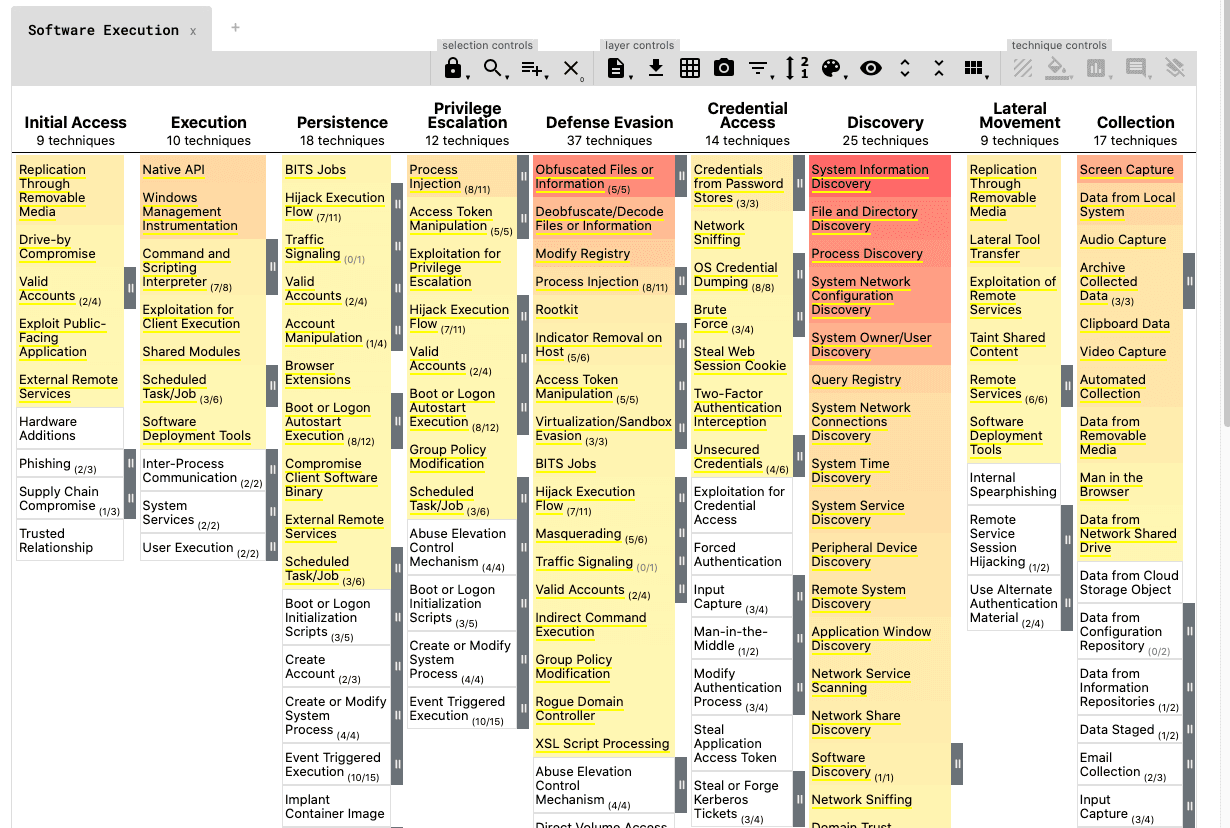
The MITRE ATT&CK Techniques You'll Actually Encounter as a SOC Analyst
The ATT&CK matrix has 200+ techniques. Here are the five you'll see on repeat as a SOC analyst—and what to look for when you do.
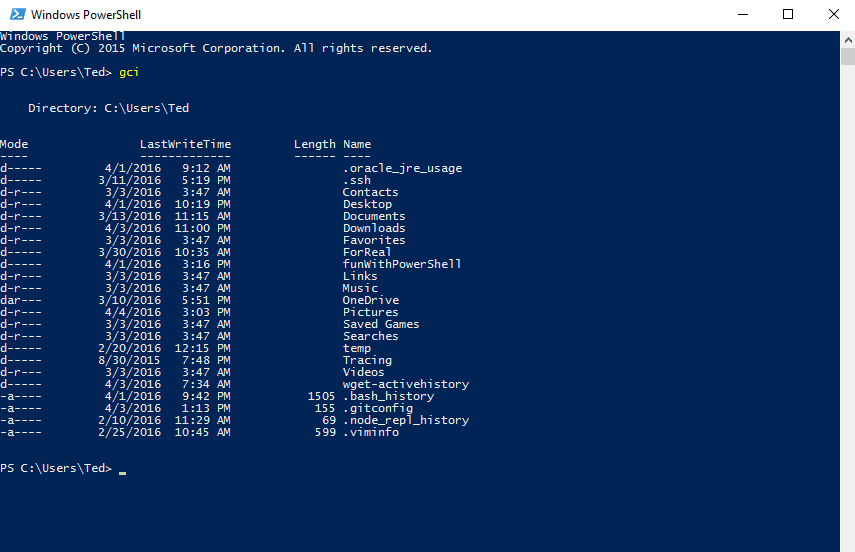
PowerShell Commands Every SOC Analyst Needs to Know
Essential PowerShell commands for SOC analysts. Covers log analysis, process investigation, network triage, file hashing, registry checks, and incident response one-liners.

How to Build an Attack Timeline (Practice Scenario Included)
Building an attack timeline is one of the most valuable SOC skills and one of the least taught. Here's how to actually do it, with a practice scenario to try.

Detection Engineering 101: What It Is, Why It Matters, and How to Break In
SOC analysts respond to alerts. Detection engineers build them. Here's what detection engineering actually is and how to get into one of blue team's fastest-growing roles.